How to Use IObit Malware Fighter 13 to Block AI-Generated Phishing Attacks?
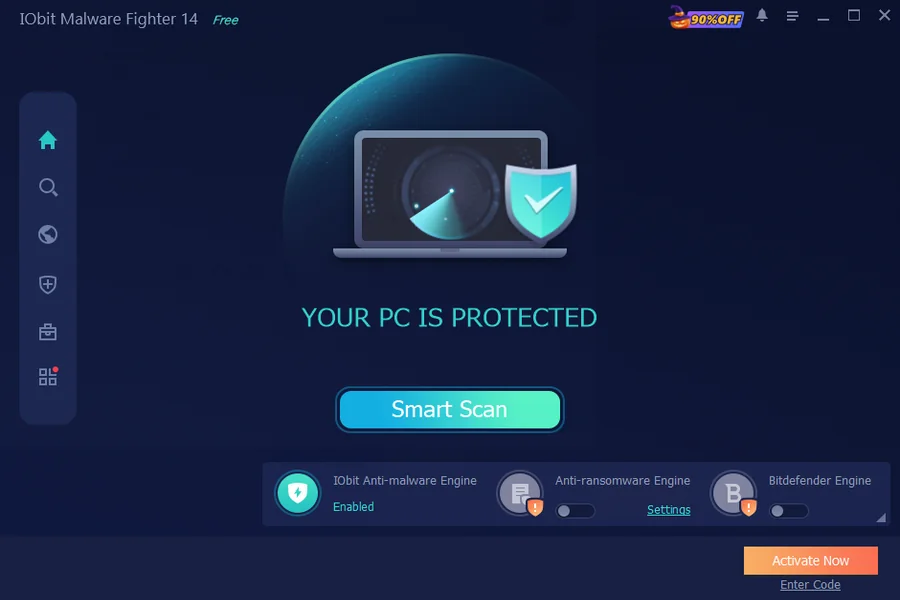
Phishing scams created by AI are hard to spot. Artificial Intelligence is now being leveraged by cybercriminals to generate realistic emails, fake websites and message. These appear to be from reputable companies. These messages can include requests for passwords and send links to download requesting personal information. It is easy for even those who use it carefully to fall into such traps.
Reliable security software can help minimize these risks. IObit Malware Fighter 13 includes browser protection, email protection, download scanning and real-time security features. Users can be kept safe by the use of these. It can identify and block suspicious websites and links as well as any harmful downloads before they pose harm.
Why Are AI-Generated Phishing Attacks Dangerous?
Regular phishing e-mails typically contain spelling errors or unusual or suspect sentences containing links. However, AI tools can generate authentic messages with correct grammar and language. Attackers can also duplicate company logos. They can also develop comparable websites and e-mail layouts to give their scams a legitimate feel.
The attacks could be on banking information or social media accounts. Also, they request for business information and personal files. By clicking one unsafe link, users can be redirected to a bogus login screen or infected with malicious software that can be installed on their computers.
This is why browser protection and real-time malware detection are important.
Key Features of IObit Malware Fighter 13 to Know
IObit Malware Fighter 13 includes several useful features that can help protect users from phishing attempts and related security threats.
Surfing Protection
Surfing Protection helps identify phishing websites, fake pages, and malicious links. It can warn users when they visit dangerous websites. This feature is useful when attackers send AI-generated messages containing links to fake login pages.
Email Protection
Email Protection helps protect webmail accounts from phishing scams and other email-based threats. It can help users avoid harmful links and suspicious email content that may lead to malware infections.
Download Protection
Download Protection automatically scans downloaded files, including email attachments. If an attacker sends a harmful attachment through a convincing email, this feature can help identify malicious files before they affect the computer.
DNS Protect
DNS Protect helps prevent malware from changing system DNS settings. Attackers may try to redirect users from legitimate websites to fake pages. Protecting DNS settings adds another layer of security against such activities.
Behavior Guard
Behavior Guard monitors suspicious activities and helps prevent potential threats through behavior analysis. It can identify unusual actions that may indicate malware activity, even when a threat is difficult to recognize through its appearance.
How to Use IObit Malware Fighter 13 to Block AI-Generated Phishing Attacks?
Follow these simple steps to set up and use its protection features.
Download and Install
Visit the official IObit Malware Fighter website and download the installer. Run the setup file and follow the instructions. Uncheck unwanted optional software during installation. Open the program when installation finishes.
Update the Database
Open the application and check for available updates. Click Update to download the latest malware definitions. This helps the software recognize newer threats.
Run a System Scan
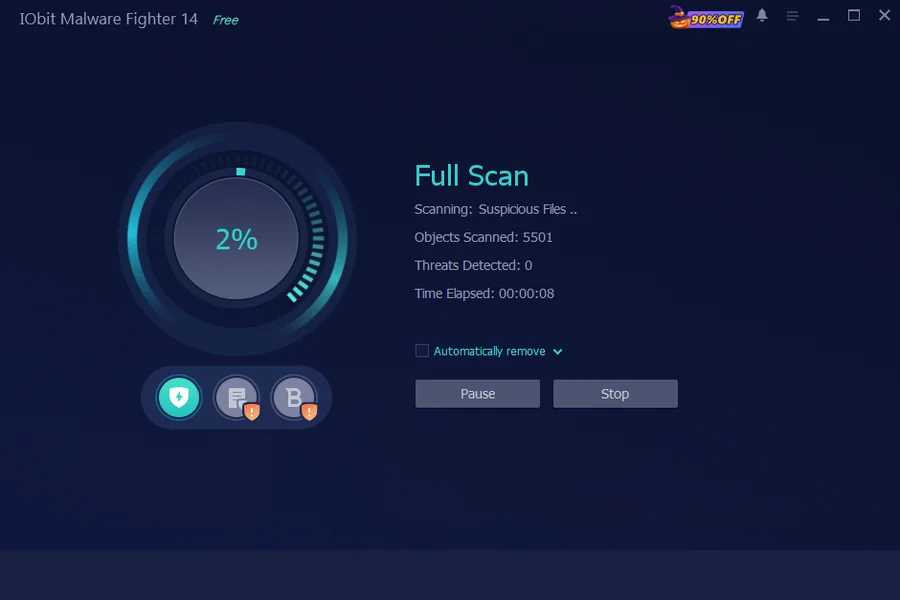
Choose one of the available scan options:
- Smart Scan: Quickly checks important system areas.
- Full Scan: Inspects drives, files, and startup items.
- Custom Scan: Checks selected files and folders.
Click Scan and select Remove or Quarantine if threats are detected.
Enable Real-Time Protection
Open the Security Guard or Protect section. Turn on Real-Time Protection and guards such as Startup Guard, Network Guard, and File Guard.
Configure Browser Protection
Open Browser Protect and enable available protections for your homepage, search engine, and DNS settings. Pro users can also enable Anti-Ransomware and Sandbox protection for additional security.
Additional Tips to Stay Safe from AI Phishing
While security software is a good tool, safe browsing is essential.
- Never enter passwords or payment information if you are unsure of the website’s address.
- Don’t click on any unexpected links, even if they appear to be from a professional e-mail.
- Do not open attachments from people you don’t know.
- Set strong and unique passwords for online accounts and activate two-factor authentication wherever possible.
- Also, keep Windows, browsers, and security software up-to-date.
Keep in mind that no security solution can be 100% effective at blocking all phishing attacks. Be sure to scrutinize any messages that seem questionable.
Conclusion
Phishing attacks powered by AI have become more sophisticated, underscoring the critical need for robust online security measures. The rise of AI-powered phishing attacks has made online security more crucial than ever. IObit Malware Fighter 13 offers helpful security with several features.
You can improve their computer’s security by enabling these features. If you need a reliable free antimalware solution, this is worth exploring for additional protection against malware, suspicious websites, and phishing-related threats.



Leave a Reply